

SIM Info Guide
In an era where we’re more connected than ever, that tiny piece of plastic (or digital code) in your phone is the unsung hero of your digital life. Your Subscriber Identity Module, or SIM card, is more than just a bridge to the internet; it’s your identity in the eyes of the network.
Whether you’re trying to recover a lost number, switching to an eSIM, or simply verifying ownership, this guide covers everything you need to know about managing your SIM information.In this blog, you will get ultimate SIM Info Guide.
1. Finding Your SIM Number (ICCID)
Sometimes, you need your SIM’s unique ID—the ICCID—for porting your number or activating a new device. It’s a 19 or 20-digit number printed on the back of the physical card.
If you can’t read the card (or don’t want to dig for a paperclip):
- On iOS: Go to Settings > General > About and scroll down to the Physical SIM or eSIM section.
- On Android: Navigate to Settings > About Phone > Status (or SIM Status).
2. How to Check SIM Ownership
Knowing who a SIM card is registered to is crucial for security and legal compliance. In many regions, your mobile identity is tied to your national ID.
Why verify ownership?
- Security: Ensure no one has registered a SIM in your name without your knowledge.
- Account Recovery: You can only recover a lost or damaged SIM if you are the registered owner.
- Porting: You cannot switch networks (MNP) unless the details match the provider’s records.
Pro Tip: Most carriers offer a shortcode (like *123# or specialized SMS services) to display the registered owner’s name or masked ID number. Check your local provider’s website for the specific “Check My Info” code.
3. The Shift to eSIM: The Future is Cardless
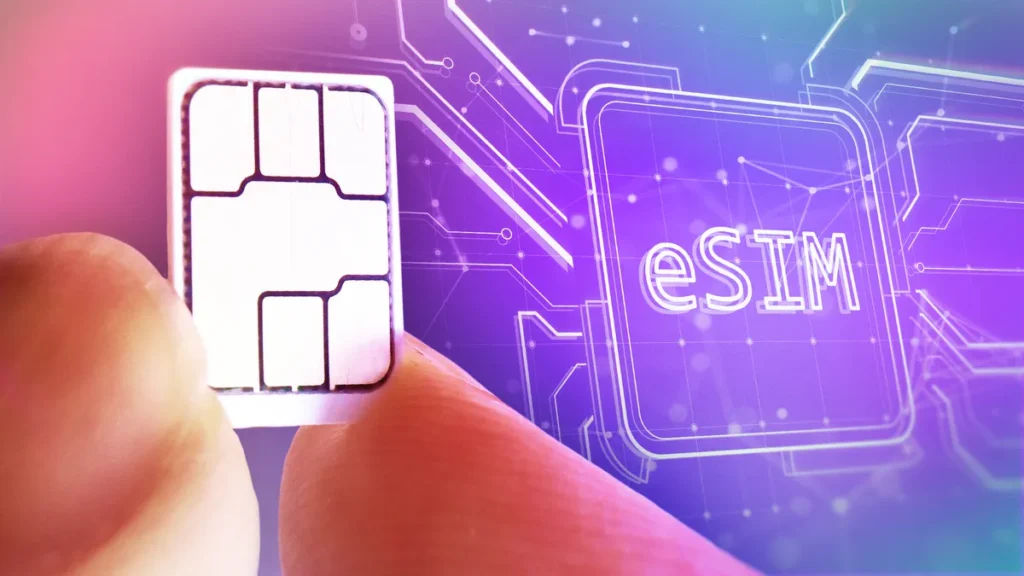
By 2026, physical SIM slots are becoming a vintage feature. eSIMs (Embedded SIMs) are built directly into your phone’s motherboard.
Benefits of eSIM:
- Switching is Instant: You can download a new “SIM profile” via a QR code without waiting for mail.
- Dual SIM Capabilities: Most modern phones allow you to have one physical SIM and multiple eSIMs, perfect for travel.
- Security: An eSIM can’t be physically stolen or swapped out if your phone is lost.
4. Understanding PINs and PUK Codes
We’ve all been there: you try to set a SIM lock, forget the code, and suddenly your phone is a paperweight.
- SIM PIN: A 4-digit code that protects your SIM from being used in another device.
- PUK (Personal Unblocking Key): If you enter the PIN incorrectly three times, the SIM locks. You must enter the PUK code to unlock it.
Warning: Entering the wrong PUK code 10 times will permanently disable the SIM card. If you don’t have your PUK code handy on the original packaging, contact your provider immediately—do not guess!
5. SIM Security: Protecting Against “SIM Swapping”
SIM swapping is a high-tech form of identity theft where a hacker convinces your carrier to port your number to a card they control. Once they have your number, they can bypass Two-Factor Authentication (2FA) on your bank and social media accounts.
How to Stay Safe:
- Set a Carrier PIN: Call your provider and ask to set a “Port-Out PIN” or a “Security Passcode.” This prevents anyone from moving your number without that specific code.
- Use App-Based 2FA: Instead of receiving SMS codes, use apps like Google Authenticator or hardware keys.
- Be Skeptical: If your phone suddenly loses all signal in a high-coverage area, contact your provider immediately.
6. How to Manage Multiple SIMs
With the rise of the “gig economy” and remote work, many people maintain two numbers. Managing them is easier than ever:
- Label your SIMs: In your phone settings, label them “Work” and “Personal.”
- Data Switching: You can set one SIM for cheap data and the other for primary calls.
- Messaging: Most apps like WhatsApp now allow you to run dual accounts on the same device.
Conclusion
Your SIM card is the gateway to your digital world. Whether you’re sticking with the reliable physical chip or embracing the sleek efficiency of an eSIM, staying informed about your SIM info is the best way to stay connected and secure.
Keep your PUK code in a safe place, verify your registration details regularly, and always add an extra layer of security to your carrier account. After all, in 2026, your phone number is often the key to your entire digital identity.