
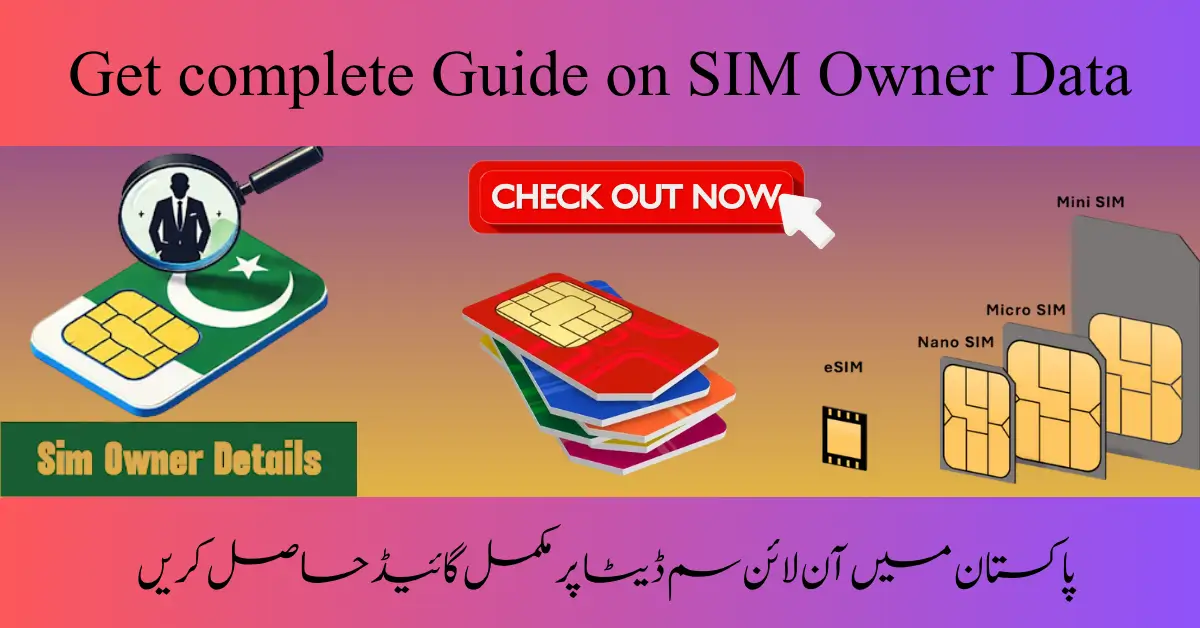
SIM Owner Data
In an era where your phone number is linked to your bank account, social media, and government IDs, your SIM owner data is more than just a record—it’s the DNA of your digital life. Whether you’re trying to verify your own registration or wondering how your information is stored, understanding mobile ownership data is crucial for security and peace of mind.
This guide breaks down what SIM owner data is, why it matters, and how to manage it safely.
What Exactly is SIM Owner Data?
When you buy a SIM card, you don’t just “plug and play.” Regulatory bodies worldwide require a process called KYC (Know Your Customer). This process links a specific SIM card (the ICCID) and phone number (the MSISDN) to a real person.
The data typically includes:
- Full Name: The legal name of the registrant.
- Identification Number: Usually a CNIC, Passport number, or Social Security number.
- Address: The residential or billing address provided at registration.
- Biometric Data: In many regions, a fingerprint scan is now required to activate a SIM.
Why Is This Information So Important?
You might think, “It’s just a phone number, why the fuss?” However, SIM owner data serves several critical functions in modern society:
1. Security and Fraud Prevention
If someone gains access to your SIM data, they can potentially bypass Two-Factor Authentication (2FA). By “SIM swapping,” hackers can intercept your SMS codes and break into your bank accounts. Knowing who owns a SIM helps authorities track and prevent these digital heists.
2. Identifying Spam and Harassment
We’ve all received those “You’ve won a lottery!” texts. SIM registration allows law enforcement to trace the source of fraudulent or harassing calls back to a registered individual, making the digital world a bit safer.
3. Verifying Your Own Status
Sometimes, you might be using a SIM registered years ago by a relative or an employer. Knowing your registration status ensures that you won’t lose access to the number if the carrier requires a re-verification or if the physical card gets damaged.
How to Check SIM Owner Details Safely
If you need to verify whose name a SIM is registered under, there are legitimate ways to do it. Warning: Avoid “SIM Tracker” websites that promise to show you anyone’s private data for a fee; these are often scams or malware traps.
Use Official Carrier Short codes
Most network providers offer a simple USSD code. For example:
- In some regions, dialing *667# or *444# will send an SMS with the registered owner’s name.
- Checking via the official mobile app (like MyAT&T, MyJio, or MyZong) usually displays the owner’s name on the profile dashboard.
Visit a Franchise
If you’ve inherited a number or found an old SIM, the safest route is visiting a service center with your ID. They can verify the data and help you transfer ownership if necessary.
Privacy, Laws, and Ethics
SIM owner data is protected by Data Protection Acts (like GDPR in Europe). This means that while the carrier has your data, they cannot legally sell it to third parties or display it publicly.
Note: Accessing someone else’s SIM data without their consent is a violation of privacy laws in almost every country. Always use official channels for your own numbers.
How to Protect Your SIM Data
Since your SIM data is a gateway to your identity, you must guard it fiercely. Here are three quick tips:
- Set a SIM PIN: Go to your phone settings and enable a SIM PIN. This prevents someone from taking your SIM card and putting it in another phone to access your data.
- Be Wary of Phishing: Carriers will rarely call you asking for your ID or registration details over the phone. If they do, hang up and call their official helpline.
- Check Your ID Count: Periodically check how many SIMs are registered against your ID. If you find numbers you don’t recognize, report them immediately to the carrier to avoid being held responsible for someone else’s actions.
Conclusion
Your SIM owner data is the bridge between your physical identity and the digital world. While it helps the government and carriers keep the network secure, it also places a responsibility on you to keep that information private. By staying informed and using the official tools provided by your network, you can ensure that your mobile experience remains secure, personal, and under your control.
Stay connected, but more importantly, stay protected!